
Iceberg tables
Data lakes and OLAP
Analyze data through a native catalog and FileIO path.
Iceberg documentation →
High-performance storage for Iceberg tables and S3 objects.
Tables for analytics.
Objects for applications.
Datasets on the horizon.
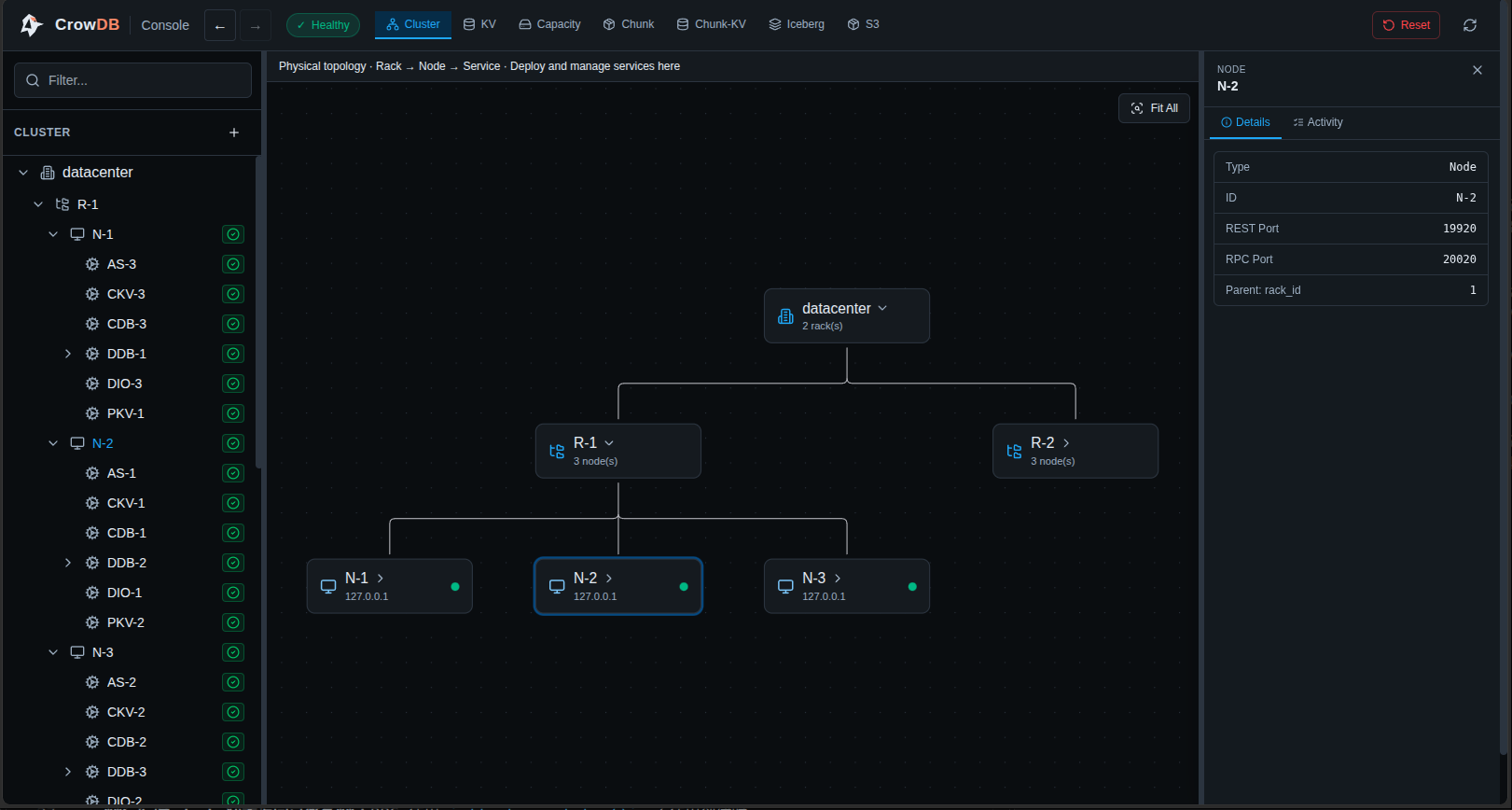
Choose the interface that fits your workload.
Data lakes and OLAP
Analyze data through a native catalog and FileIO path.
Iceberg documentation →AI training and inference
A planned access model for samples, shards, and batches.
Files and application data
Store and retrieve objects through familiar S3 operations.
S3 documentation →Follow the Iceberg quick start for a local table workflow. Browse the documentation for supported interfaces and deployment options.
Read the quick startdocker run -d --name crowdb-iceberg \
-p 127.0.0.1:9090:9090 \
-p 127.0.0.1:9092:9092 \
crowdb/crowdb-iceberg:latestOpen the Console UI at http://127.0.0.1:9090/. Iceberg image tags for Linux amd64. Use disposable data for this evaluation release.